
Overview
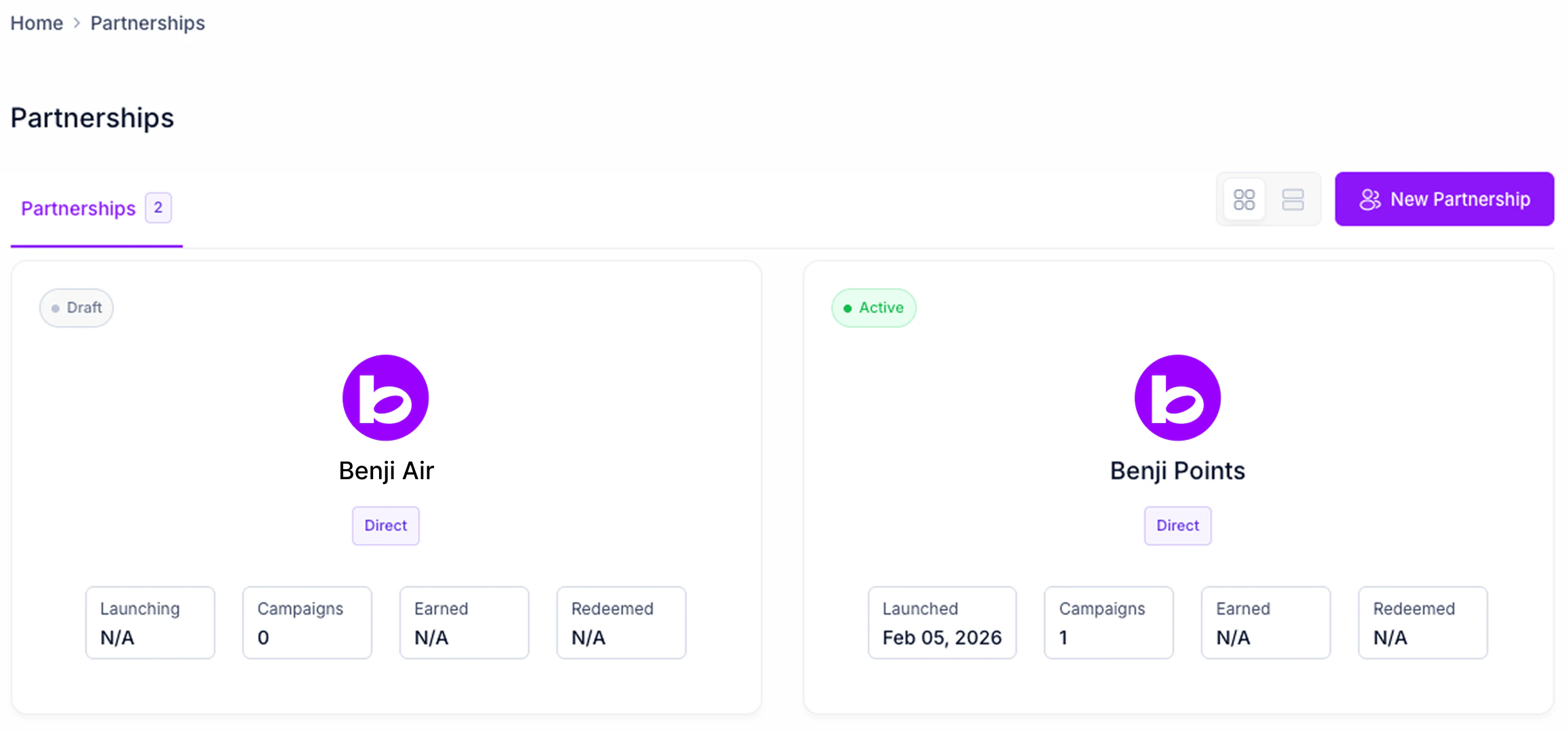
The partnerships homepage gives you a view of all your active, scheduled, and draft partnerships. Each partnership object on the homepage shows you the following information:Navigation
The partnerships homepage is accessed by clicking on the Partnerships item in the Pilot sidebar. The partnerships homepage supports the following navigation/view actions on the top header:- Switching between All, Direct, Marketplace partnerships for quick partnership filtering
- Switching between List and Card View. Note that both the list view and card tile view display the same information.
- Call to Action button to create a new partnership campaign.
- Clicking on a tile or line item will navigate you to the partnerships campaigns page.