
Filters and Views
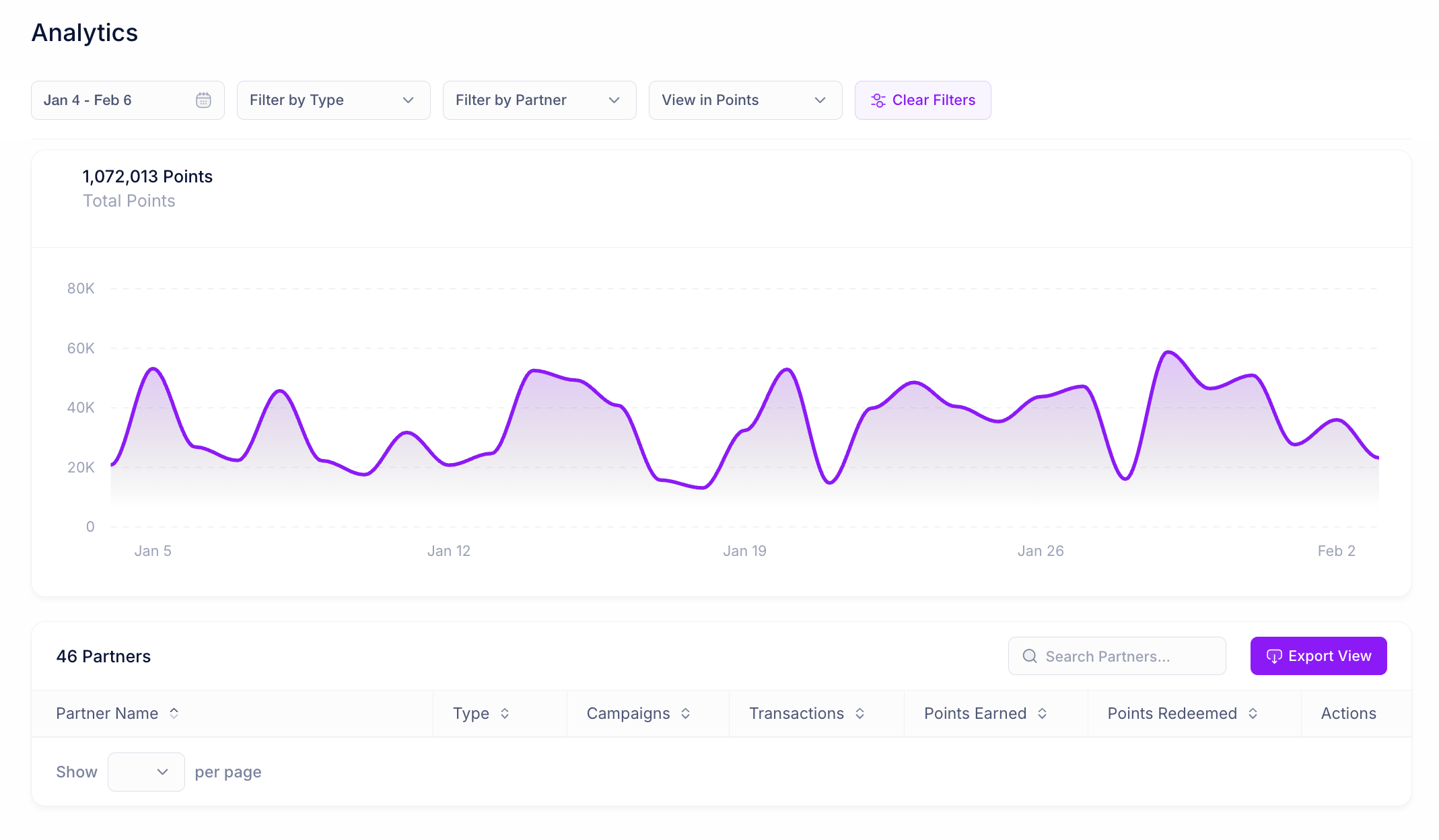
Date Range Select a custom date range to view analytics for a specific time period. This updates both the chart and the partner performance table. Filter by Type Filter activity by campaign type:- All: View all activity across earn, redeem, and transfer campaigns
- Earn Activity: View only point earning activity
- Redeem Activity: View only point redemption activity
- Transfer Activity: View only point transfer activity
- All: View aggregated metrics
- View in Points: Display total points earned or redeemed
- View in $ Spent: Display dollar value of transactions
- View in # of Transactions: Display transaction count
- View in Connected Users: Display number of connected members
Analytics Chart
The chart displays your selected metric over the chosen time period, allowing you to visualize trends and identify spikes or dips in activity.Partner Performance Table
The table displays detailed metrics for each partner:- Partner Name: The name of the partner
- Campaigns: Number of active campaigns with this partner
- Transactions: Total transaction count for the selected period
- Points Earned: Total points earned through this partnership
- Points Redeemed: Total points redeemed through this partnership
- Actions: Click the eye icon to view the individual partnership page