
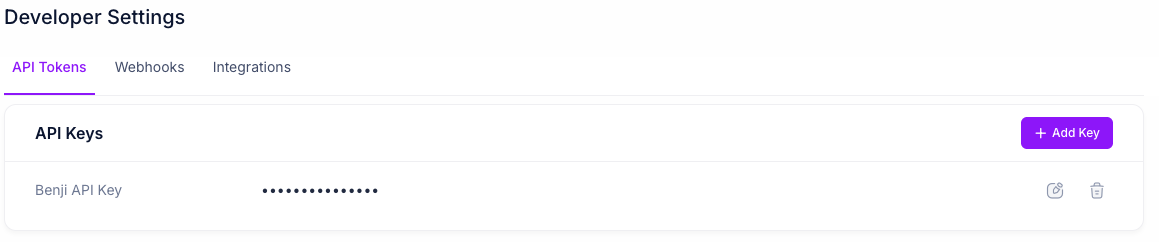
API Tokens
Generate and manage API keys to authenticate your requests to the Benji Platform API. Add Key Click the Add Key button to generate a new API key. You’ll be prompted to enter a name for the key to identify it. When created, the full key value will be displayed once. Copy and store it securely, as you won’t be able to view the complete key again. To access the key value later, you’ll need to generate a new key. API Keys Table Each API key displays:- Key Name: The identifier for the key
- Key Value: The API key value (masked for security)
- Actions:
- Edit: Modify the key name
- Delete: Remove the API key (this will invalidate it immediately)
Webhooks
Configure webhook endpoints to receive real-time notifications about users, campaigns, and transactions. Learn more about webhook implementation in the Webhooks documentation. Add Webhook Click the Add Webhook button to create a new webhook subscription. You’ll need to provide:- Endpoint URL: The URL where Benji will send webhook notifications
- Entity Type: Select USER or TRANSACTION to specify which type of events to receive
- Event Name: Select the specific event you want to subscribe to (options vary based on entity type)
- Active: Toggle to enable or disable the webhook
- Endpoint URL: The destination for webhook notifications
- Entity Type: The type of entity (User or Transaction)
- Event Name: The specific event being monitored
- Status: Whether the webhook is active or inactive
- Salt: The authentication salt used for webhook signature verification
- Actions: Edit webhook configuration, delete the webhook, or send a test webhook
- USER: user_partner_connected
- TRANSACTION: transaction_authenticated, transaction_created, transaction_status_updated