
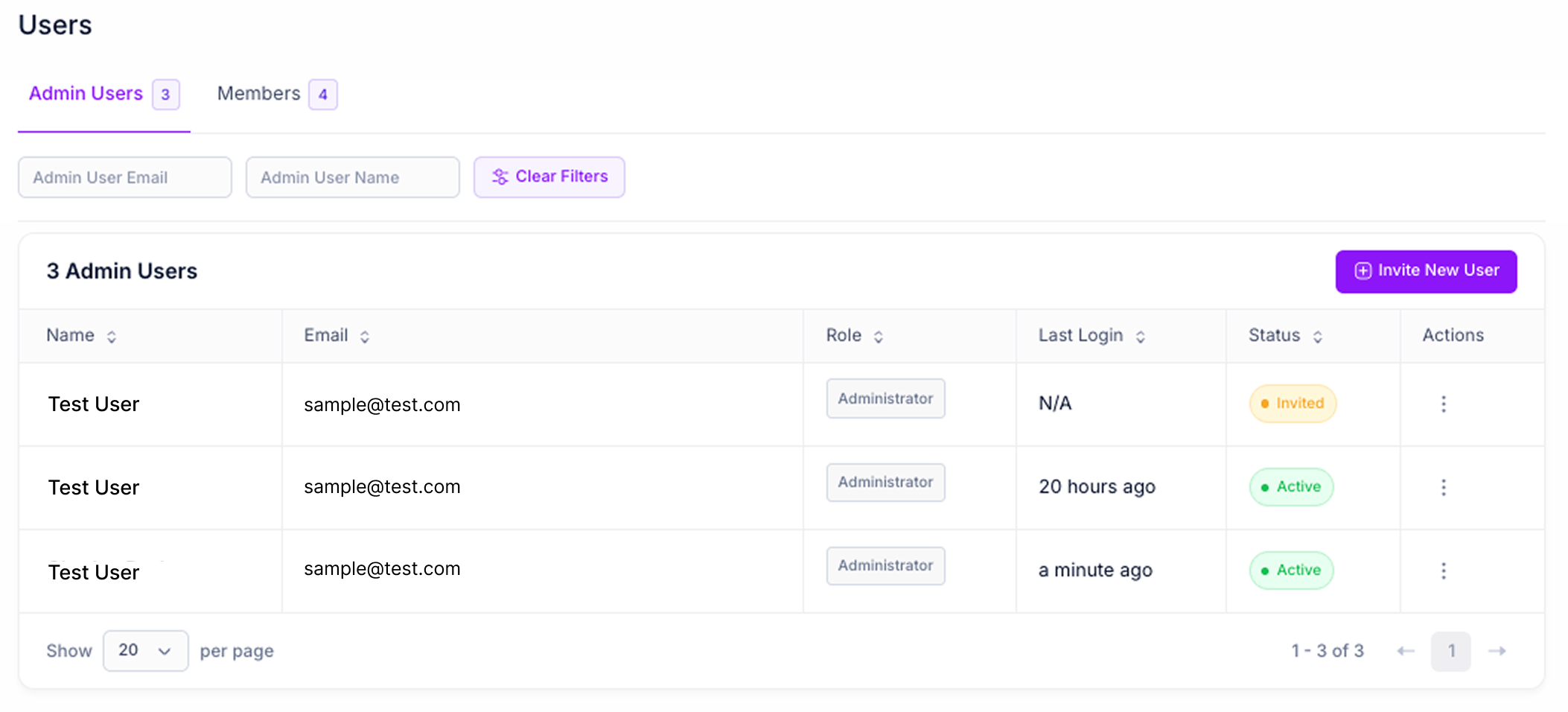
Admin Users
Each admin user is assigned one or more roles that control what they can access and action within Pilot. All users have view-only access across the account by default. Roles add the ability to take actions on top of that baseline. The following roles are available:- Admin: Full access to all features and settings in Pilot, including user management. Admin must be assigned on its own.
- Campaign Manager: Create new partnerships and campaigns, and access the marketing section.
- Support: Reverse transactions, and block or unlink members.
- Developer: Access the developer section, manage API keys, and configure webhooks and integrations.
- Member: View-only access across the entire account. Member must be assigned on its own and is selected by default when inviting a new user.
- Resend Invite: Send a new invitation email to users with Invited status
- Edit: Modify the user’s name
- Delete: Remove the user from your account
Collaborators
Collaborators are users invited to access a specific partnership. Collaborator status grants edit access on that partnership beyond the view-only access every user already has. All users at either company automatically have view-only access to the partnerships their company is connected to. On the partnerships list, each partnership shows a Collaborator badge if the user has edit access, or a View only badge if they do not. A view-only user can open the partnership and see all of its content, but the actions are disabled until they are added as a collaborator. Collaborators are invited from the partnership page. Each collaborator is assigned one of the following roles:- Owner: Full control over the partnership, including managing all other collaborators and transferring ownership. There is only one Owner per partnership, and the creator of the partnership is the Owner by default.
- Admin: Edit anything in the partnership and manage collaborators, except the Owner. Cannot transfer ownership.
- Campaign Manager: Create, edit, and launch campaigns. Cannot manage collaborators.
- Marketing: Edit partnership components and landing pages. Cannot create or edit campaigns.
- Edit: Modify the collaborator’s name or role
- Delete: Remove the collaborator’s access to the partnership
Members
The Members tab is available to Admin users and displays all loyalty program members who have connected their accounts through your partnerships. Member Actions- View: Open the detailed member profile showing transaction history and connection details
- Unlink: Disconnect the member’s account from a specific partner (typically used for troubleshooting)
- Block: Prevent the member from participating in campaigns
Member Profile
Clicking View on a member opens their detailed profile, which includes: Summary Metrics- Transactions: Total number of transactions
- Points Earned: Total points earned across all partnerships
- Points Redeemed: Total points redeemed across all partnerships